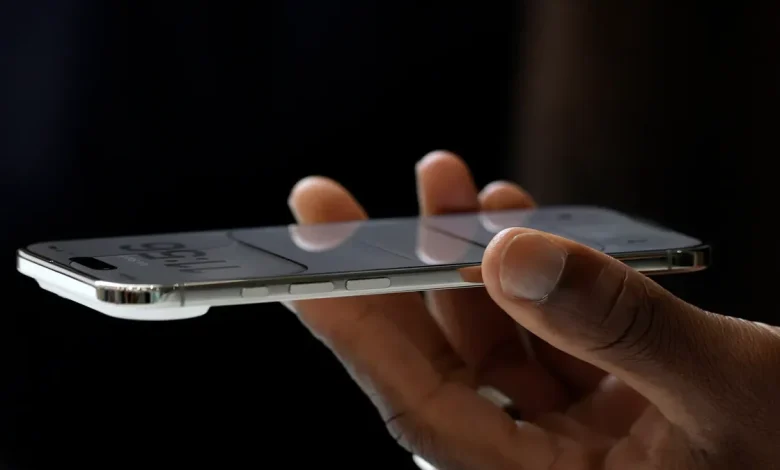
How your iPhone can screen calls, sit on hold for you
Apple’s iOS 26 gives your iPhone the power to screen unknown callers and hold your place in line.
Problem Solved
A new update was available for iPhone users back in September; Apple’s iOS 26, which introduced the Liquid Glass design and new features thanks to its artificial intelligence system. Now, iPhone users are expected to be able to update their devices to iOS 26.2 soon.
Before iOS 26 was iOS 18, some users may still be running iOS 18, in part due to concerns that the new update would do more harm than good, as evidenced by various opinions and experiences shared online about iOS 26. Over the course of iOS 18, Apple rolled out numerous updates that fixed bugs, provided security updates, and brought new features to users.
That process continues with iOS 26. In November, Apple released iOS 26.1, and reporting from Forbes, MacRumors, and 9to5Mac said that the iOS 26.2 update could be released in the coming days.
What’s new with iOS 26.2?
Among the new features mentioned by MacRumors and Forbes are the ability to set an alarm for reminders, see lyrics in Apple Music offline, and new features for AirDrop and CarPlay.
But if you’re still using iOS 18 or older operating systems, here’s what to know about iOS 26 generally.
How is iOS 26 different from iOS 18?
Here are some of the new features that come with iOS 26:
- A new design for your home screen, lock screen, control center, and apps called Liquid Glass.
- Apple Intelligence-compatible devices can now do live translation, which translates text and audio in the messages app, displays live, translated captions in FaceTime, and more.
- Apple Intelligence can automatically identify and summarize order-tracking details from emails, allowing users to view order details and progress notifications in one place.
- More ways to manage unwanted calls and screen messages from unknown numbers
- Apple Music will display the translated lyrics for select songs sung in another language.
- The new Games app
- The Phone app can notify you when a live agent is ready for you if you’ve been on hold.
Can I downgrade from iOS 26 to iOS 18?
When you upgrade to iOS 26, Apple does not let you downgrade to iOS 18, the USA TODAY Network reported.
How do I update my phone?
Ready for the latest version of iOS? Plug your device into power, connect to Wi-Fi, then go to settings, said Apple. Go to General, then tap Software Update. You’ll be able to see the currently installed iOS on your iPhone and whether an update is available. If there is an update, tap to download and install it.
Can I get iOS 26 on my iPhone? See compatible devices
People with an iPhone 11 or newer can download iOS 26. The update is also available to people with an iPhone SE (2nd generation and later). However, some of the new features may only be available on newer iPhones. For example, Apple Intelligence features are compatible with iPhone 15 Pro models and newer, according to Apple.
Paris Barraza is a trending reporter covering California news at The Desert Sun. Reach her at pbarraza@gannett.com.