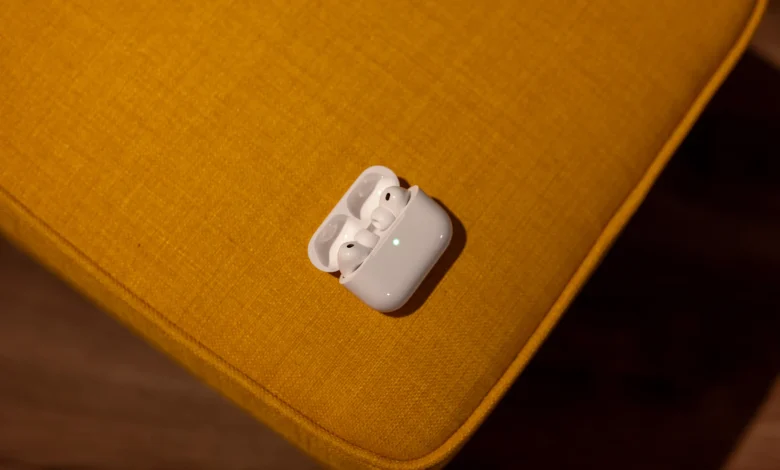
Anyone who uses AirPods today and every day, you’ve probably experienced that the sound from your headphones automatically switches to the speakers in your car or that some forgotten Bluetooth speaker in the living room that just woke up to life starts to fill the stream. However, thanks to these very ailments iOS 26 rang. An inconspicuous but very useful function has been added to the settings, which allows you to adjust the sound in AirPods will “hold on”, no matter what.
Specifically, it is about the possibility “Do not switch the sound from the headphones, as Apple This function is called in Settings. Its principle is then absolutely simple. Once you have connected AirPods or other Bluetooth headphones, iPhone it will no longer let another speaker take over the sound, even after it connects to a Bluetooth speaker, car, or anything else. And only when you want to, you can manually switch it to another one, which is definitely nice.
Interestingly enough, the feature is turned off by default on your phone. Fortunately, it’s easy to turn it on. Just open Settings – General – AirPlay and Continuity and enable the Do not connect audio from headphones option here to ensure that you do not switch.
Apple The feature states that it prevents the automatic transmission of audio to other devices, such as speakers or car stereos. And it’s actually funny that such a small option solves a problem that users have been dealing with for years. So perhaps this is the beginning of a new era that willoneis marked by the addition of similar little things that will allow users to customize their devices even better.
AirPods can be purchased here, for example