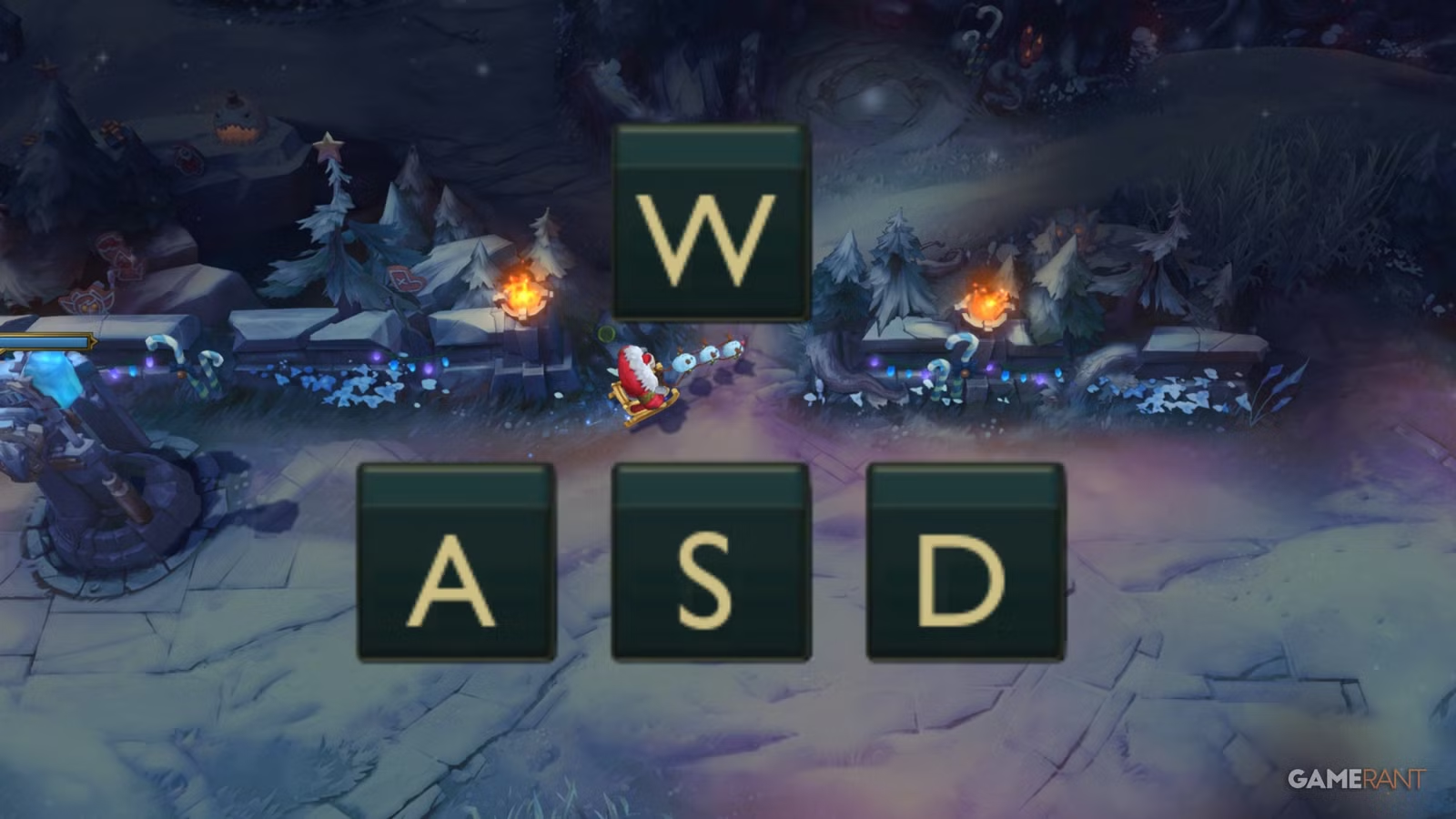
The introduction of WASD controls is arguably one of the biggest changes in League of Legends’ history, giving players a secondary way to play the game. Riot Games’ aim is to help make the game accessible to a wider array of players, many of whom will be used to similar controls in other games.
Related
League of Legends: Biggest Changes in 2026
Players can look forward to the following changes and updates for League of Legends in 2026.
WASD controls are entirely optional, and players happy with using their mouse for movement can easily ignore this update. This guide will cover how to turn WASD controls on in League, gloss over a few new settings, and consider the question of whether players should make the switch.
When Will WASD Controls Be Released For League Of Legends
WASD controls for League of Legends are available with Patch 25.24, which was released on 3rd December 2025. However, at first, WASD has only been rolled out to the OCE server.
The plan is for WASD to be released on other servers over the course of the day, but if too many bugs or issues are found in OCE’s implementation, then this could be delayed slightly.
WASD has since been released for both EUW and NA, and possibly other servers too.
How To Enable WASD Controls In League Of Legends
To enable WASD controls in LoL, players will need to enter a viable game mode. The Practice Tool is always the best option for trying out new stuff.
Open the settings, and under Keybinds, there should be an option at the top to select input, either Mouse (Point & Click) or Keyboard (WASD).
Remember to click save before exiting the option menu.
You cannot change to WASD in the main client currently; it must be done in-game.
Upon switching, many hotkeys, such as those for abilities, will change. Do not worry, though; switching back to Mouse movement will restore all your old settings. This means players can experiment with peace of mind.
Players can switch between these options with ease, but they do lock for the rest of the game once the 10-minute mark passes.
Related
How to Play Zaahen in League of Legends
This guide for Zaahen in League of Legends will show players how to pilot and build the newest champion to grace the Rift.
Settings For WASD Controls
On top of needing to customize the usual slew of hotkeys when switching control systems, there are also some new settings just for WASD.
Just beneath the keys for W, A, S, and D themselves, which can be changed, there are two options:
- Rotate WASD inputs relative to map lane orientation.
- Flash Handling Type: Cursor, Movement + Cursor if Aligned, or Movement
The second of these determines the direction of Flash, with it either following the mouse or the character’s current direction.
Next, and sticking with Keybinds, but now into the Hotkeys submenu and then Camera Control, there is the new Scout Ahead Mode Toggle option for WASD users. This is set to the Middle Mouse Button (MB3) by default, and allows players to look away from their character.
In the proper Camera settings, players can adjust the speed of Scout Ahead Mode.
When Can WASD Be Used?
League of Legends Briar
At launch, during Patch 25.24, WASD controls can only be used in certain non-ranked game modes, as seen below.
WASD Enabled
WASD Disabled
Custom Games
Normal Draft Pick
Practice Tool
Ranked Solo/Duo
Swiftplay
Ranked Flex
ARAM
ARAM Mayhem
Arena
ARURF
Co-op Vs AI
It’s not been decided when WASD will become available for ranked and other modes, as Riot will only do so when they and the playerbase are happy that everything’s fair and bug-free.
Additionally, WASD controls may be disabled for specific champions at certain times if bugs or other problems arise. At launch, WASD is disabled for Briar and Taliyah.
Should You Use WASD Controls In League of Legends?
Once players have the option to use WASD, especially when it is eventually enabled in ranked, the next question to ask is whether you should use WASD controls in League? At the end of the day, this comes down to player preference, and there is no correct answer. It’s best to look at it from the perspective of a few hypothetical players.
Should New Players Use WASD In League?
Garen spins with his giant sword in his League of Legends splash art.
If you’re new to League or have only been playing for a short while and are still getting used to moving with the mouse, then WASD is absolutely a great option; after all, this is why it was introduced. This is especially true for players coming over from other games that use WASD controls.
On the other hand, new players shouldn’t feel forced to use WASD. Consider trying both and see which suits you best.
Should Veterans Use WASD In League?
Veteran League players, who have potentially experienced the leading MOBA since 2009, should not feel threatened by WASD or feel like they need to learn this new control system.
Related
10 League of Legends Holiday Skins You Need This Winter
With the winter map returning, these are the best Christmas holiday skins in League of Legends.
If players are happy with using point and click, alongside QWER for their abilities, feel free to ignore WASD. Ideally, with further feedback and balance, both control systems will be equal, and Riot would never sacrifice the old system.
At the same time, feel free to try WASD out, as who knows, it might be preferable. There will be a lot of muscle memory to unlearn, and players will need new keybindings, but it can be done.
Should ADC Players Use WASD In League?
League of Legends Ashe
While most veterans might not find too much use with WASD, the exception could be for ADC players, as this control system can aid kiting, helping marksmen deal more DPS at a safe distance while dodging skillshots.
During development on the PBE, kiting with WASD was nerfed slightly, so it’s certainly not overpowered, but it still remains a viable option. If experienced Bot Laners do decide to switch to WASD, they will need to practice with it before equaling and possibly surpassing their previous kiting level.
It will be interesting to see if any pro ADCs make the switch, but players shouldn’t feel the need. Point and click is still as good as it’s always been.
Systems
Released
October 27, 2009
ESRB
T for Teen: Blood, Fantasy Violence, Mild Suggestive Themes, Use of Alcohol and Tobacco